Giving an agent its own inbox
An agent inbox is a Homing inbox that an agent session works for you. Only you and the people you approve can write to it.
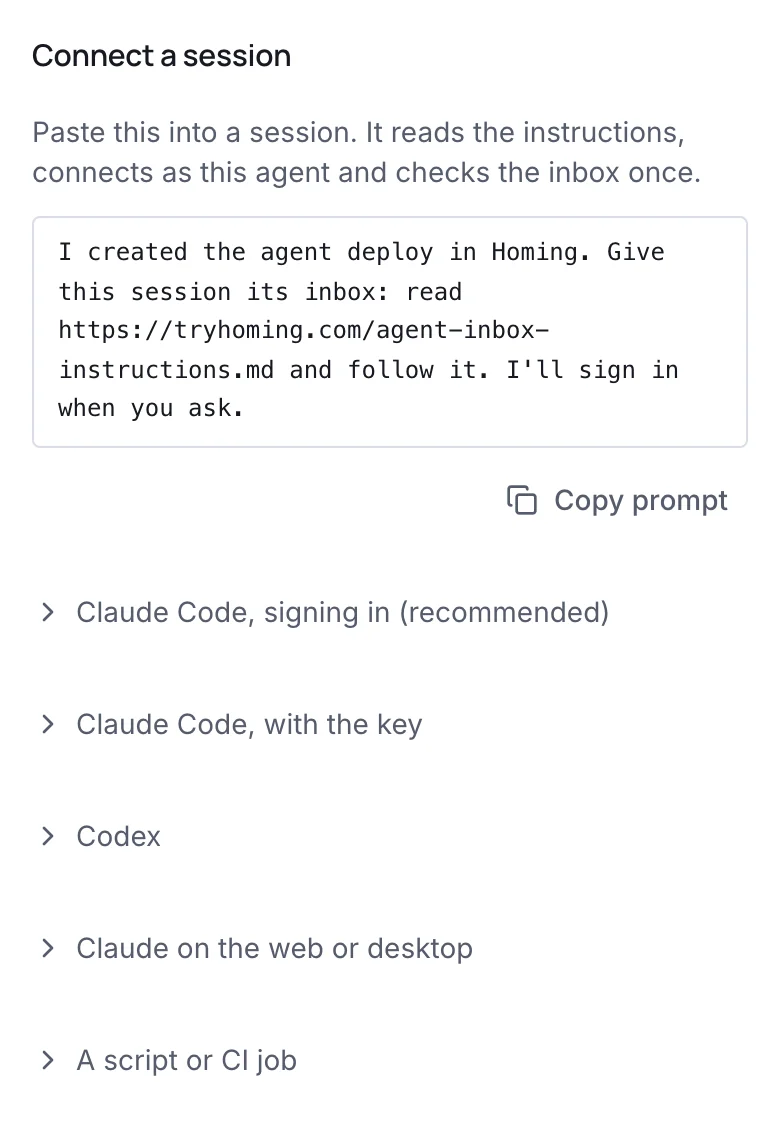
You need: Your agent connected to Homing
The situation
You want a session to work through your incoming messages and tell you which ones need you.
Set it up
- 1 In the app, open Agent Mailboxes and create the agent.
- 2 Copy its prompt and paste it into a session.
- 3 Ask it to check its inbox.
What you say
Check your inbox and tell me what needs me.
What lands
What happens next
It tells you what each new thread says, and replies or resolves only when you say so. A thread it cannot finish it flags for you with a note saying why.
Connect an agent, then send yourself a note.
Works in Claude Code, ChatGPT, Codex and other MCP clients. Free accounts.
Set me up with Homing in this session. Read https://tryhoming.com/setup-instructions.md and follow it. I'll sign in or set up a key when you ask.